
How to check a Windows installer before you run it
One PowerShell command, three places to compare it with, and a plain account of what a matching checksum proves and what it does not.
Valentir Engineering Desk
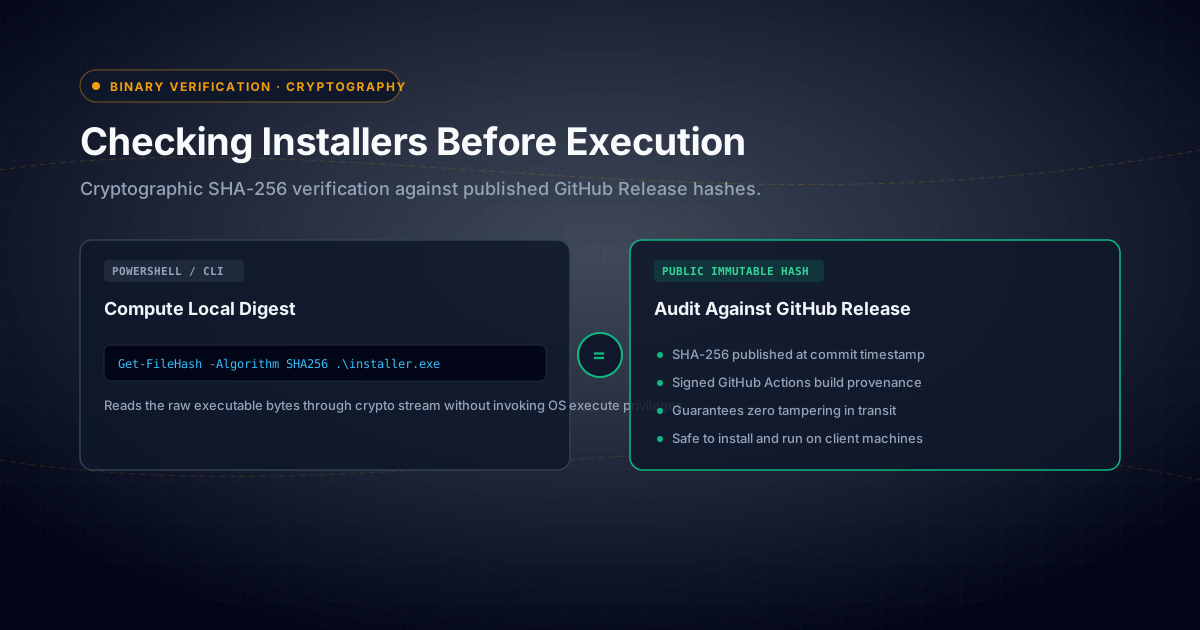
Download the installer, run one PowerShell command to print its SHA-256, and compare the result with the one published on the app's page. If they match, the file you have is the file we published.
Open PowerShell in the folder that holds the file and run:
Get-FileHash .\Hushlog-Setup-1.0.0.exe -Algorithm SHA256For the Hushlog-Setup-1.0.0.exe release that should print:
7FC456812209244FB45DD126940051AB4628418A486C18C0D5992D60D9D01825Upper or lower case does not matter. Every character does.
Three places to compare it with#
- The app's own page on this site prints the SHA-256 of the exact file.
- The GitHub release carries a file named SHA256SUMS.txt that lists every installer in it.
- GitHub shows its own digest for each file attached to a release.
On 01-11-2026 we compared all of them for all thirteen installers: GitHub's digest of each file equals the hash printed on the site, and every line of SHA256SUMS.txt agrees. The release is v1.0.0, published on 25-10-2026, and holds the thirteen installers and that checksum file.
What a match proves, and what it does not#
A match proves the bytes you downloaded are the bytes that were published. Nothing was corrupted on a flaky connection and nothing was swapped by a proxy or a mirror.
It does not prove the program is safe. A hash is a fingerprint, not a review. If someone controlled both our website and our GitHub release they could change the file and the hash together, which is why comparing against more than one place helps but is not proof.
None of our installers is code-signed yet. They are NSIS installers, so Windows SmartScreen may warn you before one runs. We say that wherever a download is offered, and the checksum is how you can check first.
How the page keeps its word#
The hash is not retyped on each page. One table in the website's code holds, for each app, the file name, the exact size in bytes, the SHA-256 and whether the file is published. A page offers a download only once the file is attached to its GitHub release and the link has been opened. The installers are about 100 MB each, so the site keeps no copy: the download button goes through a counter that sends you to GitHub's file.
Tests in the repository check that every record names its own product's installer and carries a usable size and hash, that a published installer keeps no copy on this site, that the verify command is the one above, and that the sentence about signing never claims a signature.
Limits#
These are Windows installers only, and version 1.0.0 is the only release. You can repeat every check yourself, which is the point of publishing them.
Valentir Technologies LLP is a software studio in Noida. The apps are on the products page, our security page says what we do and do not claim, and another note describes the tests that stop a page claiming more than the table behind it.
Get our notes by email
We email our notes when we publish something worth your time.
Search on Google and want more notes like this in your results? Add Valentir as a preferred source on Google.
If you want to argue with any of this, that is what hello@valentir.in is for.